Install Therap Mobile App on iOS Devices
To download Therap Mobile App on your iOS devices please follow the steps below.
1. Click on the App Store app on your iOS device’s home screen.

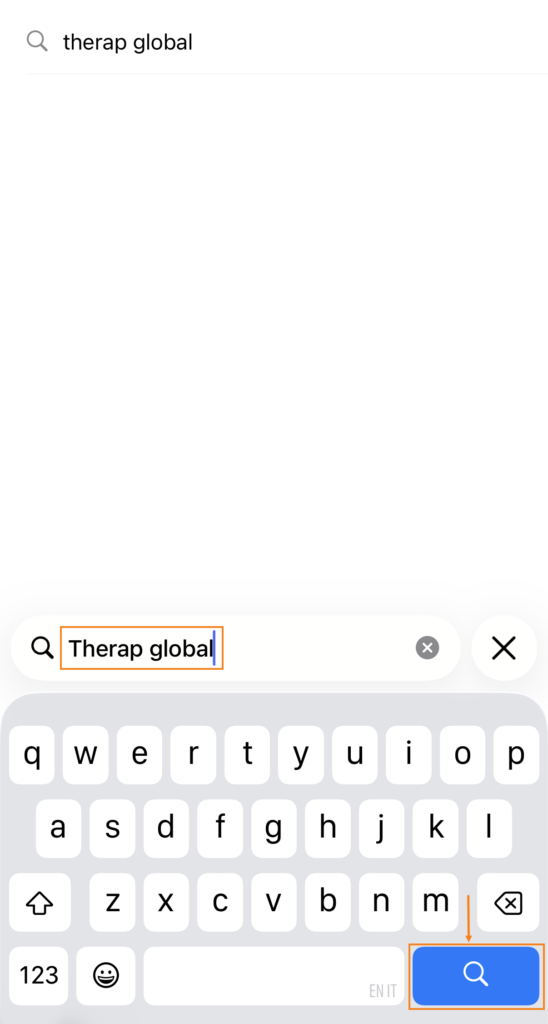
3. Enter Therap Global in the search field and click search button on the keyboard at the bottom of the screen.
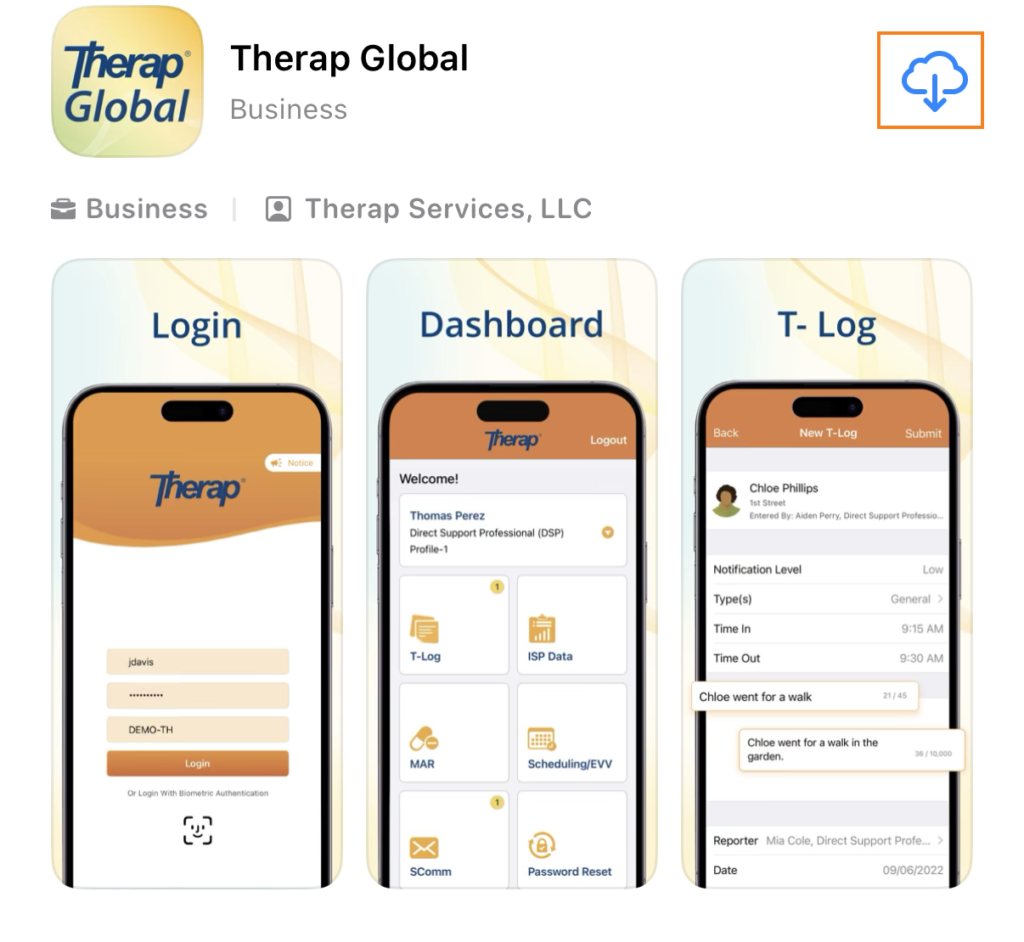
4. On the Therap app page, click on the download symbol.
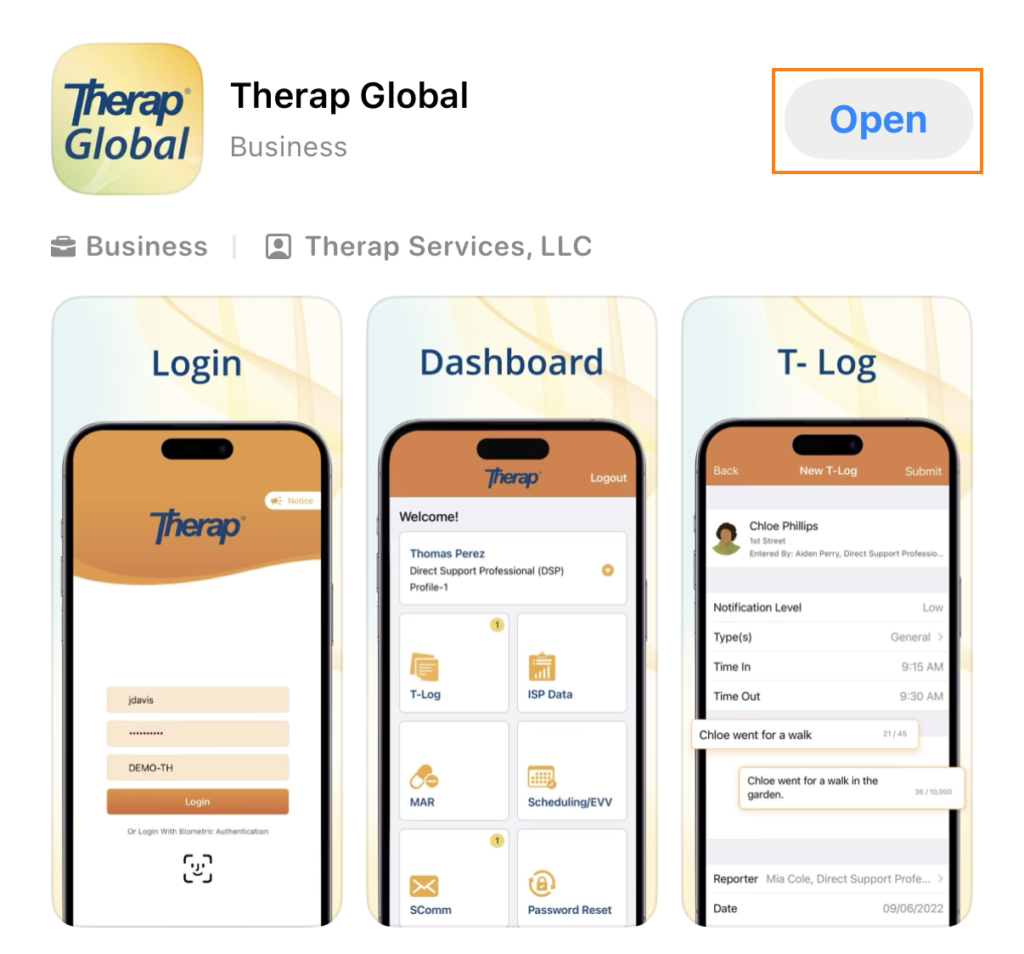
5. Once the app is downloaded and installed, click on the Open button.
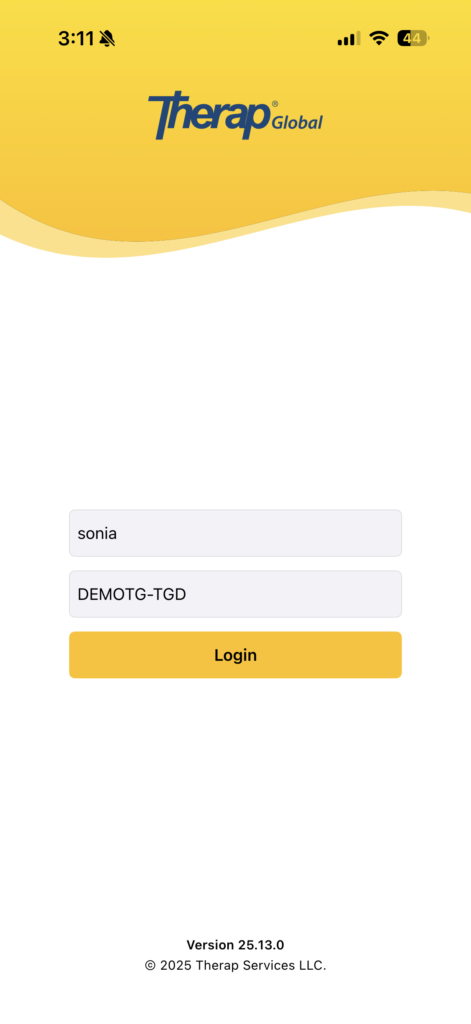
6. The Therap mobile app will open, and you will need to enter your Login Name, Password, and Provider Code to log in.

7. You will be able to open the app subsequently using the Therap app icon that appears on your device’s home screen.